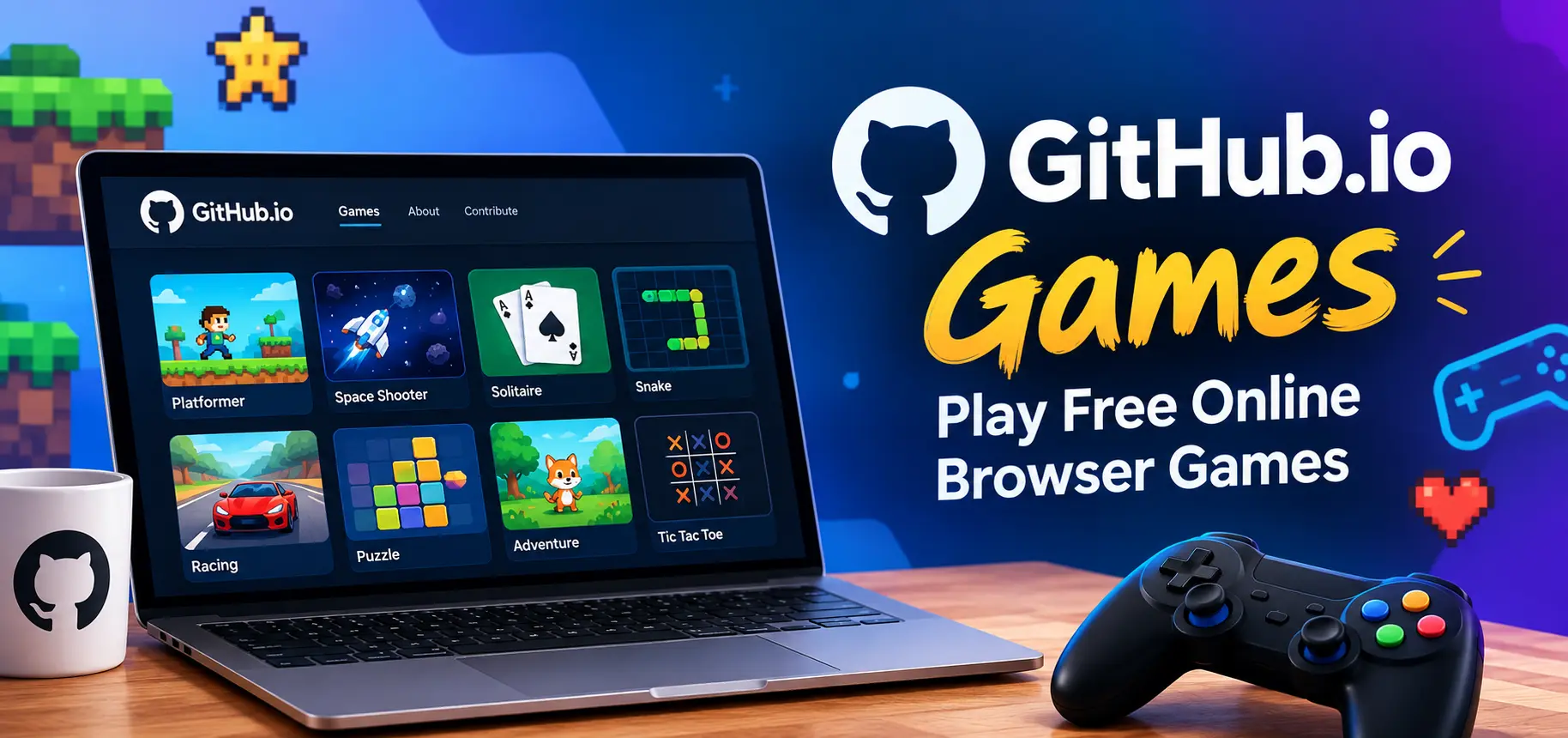
GitHub.io Games have become a convenient way to discover and play free browser games without installing large programs or waiting through complicated setup processes. These games are often hosted through GitHub Pages, a web-publishing service that allows developers to make projects accessible through a browser. From simple arcade challenges and puzzle games to strategy experiences and multiplayer experiments, the platform offers a wide range of independent creations.
For players, browser-based gaming can be appealing because it removes many common barriers. A compatible browser and an internet connection are often enough to get started. For developers, GitHub Pages provides a practical environment for sharing projects with other people. This combination has created a growing collection of small, creative games that can be accessed from computers and, in some cases, mobile devices.
Whether you are looking for a quick game during a short break or want to explore unusual indie projects, understanding how GitHub-hosted games work can help you find better experiences while staying aware of basic browser security and privacy considerations.
Understanding GitHub Pages and Browser Games
GitHub is widely known as a platform for hosting and collaborating on software projects. One of its useful features is GitHub Pages, which can publish websites and other browser-based projects directly from repositories.
A developer can create a game using technologies such as HTML, CSS, and JavaScript and then publish the finished project through a GitHub Pages address. Once the page is live, visitors can open it in a supported browser and interact with the game.
This approach is especially useful for smaller projects because the game can be shared through a simple web address. Players do not necessarily need to download an executable file, install a launcher, or create an account specifically for the game.
Many projects are also open-source, meaning their underlying code may be available for people to inspect, study, modify, or contribute to, depending on the project’s license.
Why Browser Games Work Well on GitHub
Browser games are naturally suited to web hosting. The browser handles the interface, graphics, keyboard or mouse controls, and game logic.
Modern JavaScript can support surprisingly sophisticated experiences. Developers can create animations, physics systems, sound effects, level systems, menus, and even online features without requiring traditional desktop software.
GitHub Pages can therefore serve as a useful publishing option for hobbyists, students, independent developers, and programmers who want to demonstrate their skills.
GitHub.io Games: What Players Can Find
The selection of games available through GitHub-hosted projects varies considerably. There is no single official catalog containing every game, so discovering interesting projects can sometimes feel like exploring an enormous collection of independent experiments.
Arcade and Action Games
Arcade games are particularly suitable for browsers because their controls and game play loops are often straightforward. Players may find projects involving shooting, dodging, racing, platforming, or timed challenges.
These games can be ideal for short sessions because a typical round may last only a few minutes. Simple mechanics can also make them accessible to people who do not regularly play larger games.
Puzzle and Brain Games
Puzzle projects are another common category. These can include tile-based challenges, word puzzles, logic exercises, number games, mazes, and pattern-matching experiences.
Because puzzle mechanics do not always require complex graphics, developers can focus heavily on rules and problem-solving. This can produce compact games that load quickly while still providing satisfying challenges.
Strategy and Simulation Projects
Some developers use browser technology to experiment with resource management, turn-based strategy, city-building concepts, and simulations.
These projects can be particularly interesting because independent developers often test unusual ideas that may not fit into conventional commercial game formats.
Retro-Inspired Games
Classic gaming styles are also common in browser development. Developers frequently create pixel-art games or projects influenced by older arcade and console mechanics.
These games can combine familiar ideas with modern browser technology, creating a nostalgic experience while remaining easy to access.
Benefits of Playing Browser Games
One of the biggest advantages of browser gaming is accessibility. A player can often move from discovering a project to playing it within a few moments.
There are also practical benefits for devices with limited storage. Since browser games generally run through web technologies, players may not need to keep a large installation package on their computer.
Another advantage is variety. Independent developers use browser platforms to experiment with ideas that might never become large commercial releases. As a result, players can encounter unusual mechanics, creative visual styles, and experimental concepts.
Browser gaming can also be useful for people who want to try something before committing to a larger download. A short web-based experience can provide an immediate introduction to a particular style of game play.
Five Things to Check Before Playing
When exploring independently hosted browser games, a few simple habits can make the experience smoother and safer:
- Check the web address carefully: Make sure you are visiting the intended GitHub Pages project rather than an unrelated site using a similar name.
- Look at the project information: A repository, developer profile, or project description can provide useful context about the game’s origin.
- Avoid unnecessary downloads: A browser game normally should not require random executable files just to launch a basic web experience.
- Review browser permissions: If a page requests unusual access to your device, microphone, camera, notifications, or other resources, consider whether that access is actually necessary.
- Keep your browser updated: Modern browsers include security improvements that can help protect against malicious or outdated web content.
How to Find Interesting GitHub.io Games
Finding games hosted on GitHub Pages usually requires a little exploration. Search engines can identify public game pages, while GitHub itself can help users discover repositories containing game-related projects.
Useful search terms may include phrases such as browser game, HTML5 game, JavaScript game, arcade game, puzzle game, or GitHub Pages game.
Another approach is to explore developer portfolios. A programmer who publishes one browser game may have several other experiments available in the same profile or repository collection.
Community discussions can also reveal interesting projects. However, links should be checked carefully before opening them, especially when they come from unfamiliar sources.
Search by Game Type
Instead of searching only for a general term, narrow your search according to the type of experience you want.
For example, someone interested in puzzles might search for browser-based puzzle projects, while someone looking for retro game play could search for HTML5 arcade projects.
This approach reduces irrelevant results and makes it easier to discover projects that match your interests.
Check the Project Description
A project description can tell you whether a game is actively maintained, experimental, unfinished, or intended as a programming demonstration.
Read me files may also include instructions for controls, known limitations, recommended browsers, and information about the technologies used.
For players who enjoy understanding how games are created, these details can add another layer of interest beyond the game play itself.
Example: Exploring a Simple Browser Game
Imagine finding a small GitHub Pages project called “Space Dodger.” The page loads a simple game in which the player controls a spaceship and avoids incoming objects.
The project might contain HTML for the page structure, CSS for the visual design, and JavaScript for movement, collision detection, scoring, and game rules.
A player may simply open the published page and begin playing. Someone interested in programming, however, could inspect the public source code and learn how keyboard controls, object movement, and score calculations were implemented.
This illustrates an important feature of GitHub-hosted games: the project can be both a playable experience and a learning resource.
Browser Compatibility and Performance
Not every browser game performs identically across every device. A project may have been developed and tested primarily on a desktop computer, while mobile users may encounter controls or screen layouts that were not designed for smaller displays.
Performance can also depend on the game’s complexity. A lightweight puzzle game may run comfortably on an older computer, whereas a project containing extensive animations or graphics may require more processing power.
If a game appears slow, players can try closing unnecessary browser tabs, updating the browser, or using a device with stronger hardware.
Mobile Gaming Considerations
Some GitHub Pages games are designed with responsive layouts and touch controls. Others rely heavily on keyboard input.
Before assuming that a game is mobile-friendly, check its instructions or interface. A page that loads successfully on a smartphone does not necessarily mean the game play has been optimized for touch screens.
GitHub Games as a Learning Resource
GitHub-hosted games are not only useful for entertainment. They can also provide practical examples for people learning web development.
A beginner can study how a small project is organized and observe how different files work together. HTML may define the structure, CSS can control appearance, and JavaScript can handle interactions and game logic.
More advanced learners can examine animation systems, collision detection, canvas rendering, sound implementation, artificial intelligence, and data storage.
Because many projects expose their source code publicly, they can demonstrate how theoretical programming concepts are applied in a functioning project.
Learning Through Small Projects
Large software projects can initially feel overwhelming. Smaller browser games often provide a more manageable environment for learning.
A learner might start by changing a character’s movement speed, modifying colors, adjusting scoring rules, or adding a new obstacle. These small experiments can gradually build confidence with programming concepts.
Always respect the project’s license and contribution rules when reusing or modifying publicly available code.
Privacy and Security Considerations
Free access does not automatically mean that every website is safe. Players should apply normal web-safety practices when visiting independently hosted pages.
A simple browser game generally should not need sensitive personal information. Be cautious if an unfamiliar page unexpectedly asks for passwords, payment details, personal documents, or unrelated downloads.
It is also useful to distinguish between the GitHub repository and external services connected to a project. A game may be hosted through GitHub Pages while using third-party services for advertisements, analytics, multiplayer features, or other functions.
Checking the source repository and developer information can provide additional context before interacting with an unfamiliar project.
Comparing Common Browser Game Experiences
| Game Type | Typical Session | Common Controls | Suitable For |
|---|---|---|---|
| Arcade | Short | Keyboard or mouse | Quick entertainment |
| Puzzle | Short to medium | Mouse, keyboard, or touch | Problem solving |
| Strategy | Medium to long | Mouse and keyboard | Planning and decision-making |
| Retro platformed | Short to medium | Keyboard or controller | Classic-style game play |
| Simulation | Medium to long | Mouse and keyboard | Experimentation and management |
Why Independent Games Matter
Independent browser projects give developers room to experiment. A large commercial release may require extensive production resources, while a small GitHub project can be created by one person or a small group.
This makes browser gaming an interesting part of the wider development ecosystem. A project does not have to compete with major commercial games to be valuable. It can demonstrate an idea, teach a programming concept, provide entertainment, or serve as a portfolio piece.
For players, that means there is always potential to discover something different from mainstream gaming platforms.
Tips for a Better GitHub.io Gaming Experience
Players can improve their experience by approaching these projects with realistic expectations. Independent games may not have the polish, extensive testing, or feature depth associated with large commercial releases.
At the same time, their smaller scale can be part of the appeal. A short game with one clever mechanic can be memorable without requiring dozens of hours.
Try different genres, read the project information, and pay attention to controls before judging a game. If a project is clearly experimental, its purpose may be to demonstrate an idea rather than deliver a lengthy gaming experience.
Final Thoughts
GitHub.io Games offer an accessible window into independent browser gaming and web development. Players can discover arcade challenges, puzzles, strategy experiments, retro-inspired projects, and many other creative experiences without relying on traditional game installations.
The platform is also valuable from a learning perspective. Public repositories can show how browser games are constructed, making them useful examples for aspiring developers who want to understand HTML, CSS, JavaScript, graphics, controls, and game logic.
The most useful approach is simple: explore carefully, verify unfamiliar links, respect project licenses, and choose games that fit your device and interests. With thousands of independent ideas appearing across the web, browser gaming can be both a source of entertainment and an opportunity to discover how digital experiences are built.
Frequently Asked Questions
1. Are GitHub.io Games free to play?
Many GitHub Pages games are available without a purchase because developers publish them as free projects. However, availability and individual project terms can vary.
2. Do GitHub.io Games require installation?
Most browser-based projects can be opened directly through a web browser. Some projects may offer optional downloads, but these are separate from simply playing the web version.
3. Can GitHub.io Games work on mobile phones?
Some do, particularly projects designed with responsive layouts and touch controls. Others may require a keyboard or desktop-style controls.
4. Can I learn programming from GitHub games?
Yes. Public game repositories can provide practical examples of HTML, CSS, JavaScript, animation, controls, scoring systems, and other development concepts.
5. Are all GitHub Pages games safe?
No website should automatically be considered safe simply because it uses GitHub Pages. Check the developer, project information, requested permissions, and any downloads before interacting with unfamiliar content.





One thought on “GitHub.io Games – Play Free Online Browser Games”