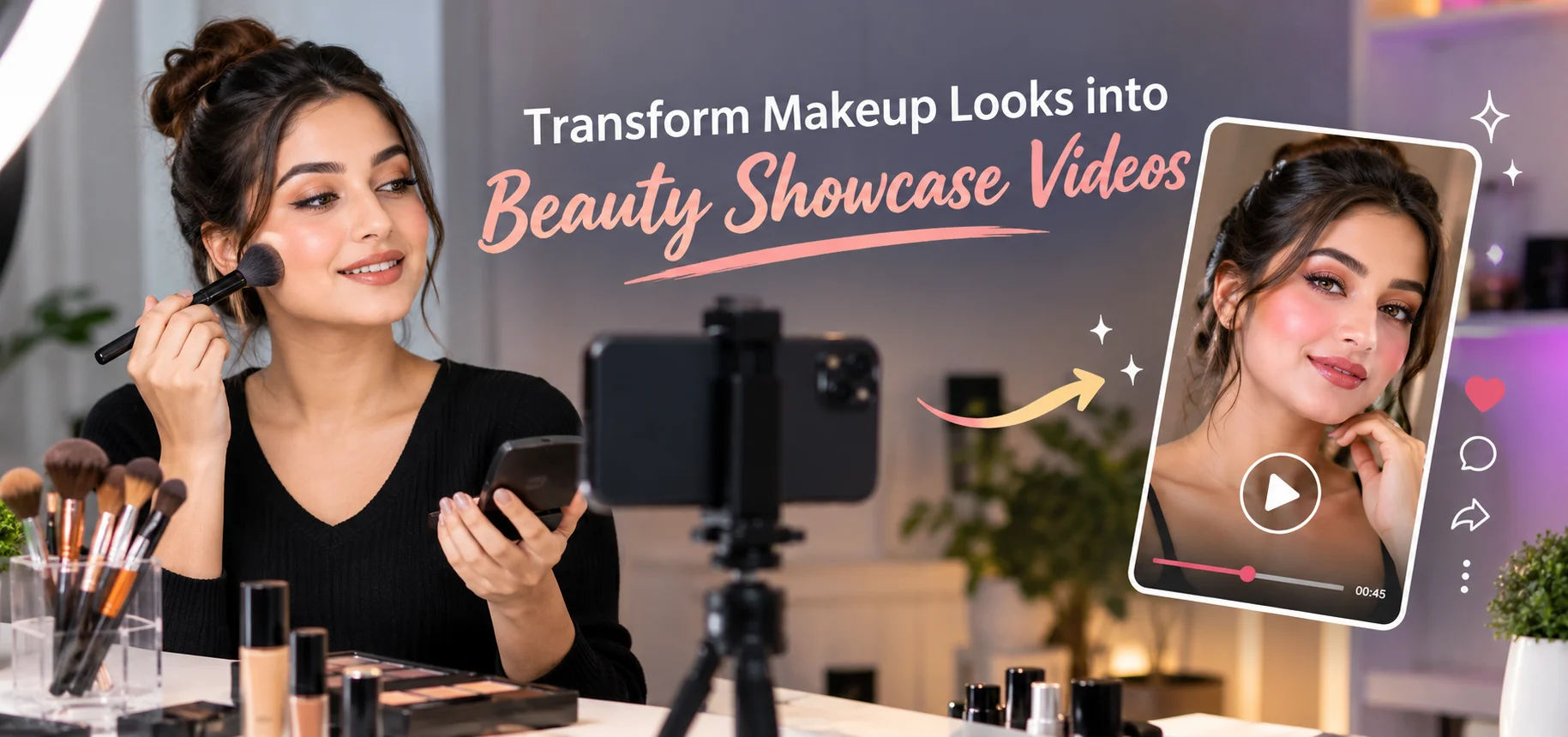
Makeup can look stunning in a mirror or photograph, but video gives beauty creators a much bigger opportunity to capture color, texture, technique, and personality. Transform Makeup Looks into Beauty Showcase Videos is a practical approach for turning finished makeup into engaging visual content. With thoughtful lighting, camera placement, transitions, and editing, a simple makeup look can become a polished showcase suitable for social media, tutorials, portfolios, and beauty websites.
The goal is not simply to record a face on camera. A strong beauty video tells a visual story, highlights the important details, and helps viewers understand why the makeup works. Even a basic setup can produce attractive results when each element is planned carefully.
Start With a Clear Video Concept
Before recording, decide what the video needs to communicate. A finished makeup look might focus on glowing skin, dramatic eyes, a bold lip, bridal styling, or a complete transformation.
A clear concept makes filming easier because you already know which details deserve attention. For example, an evening makeup video could begin with a clean face, show several application stages, and finish with close-up shots of the completed look.
Consider the intended viewer as well. Someone watching a tutorial may want step-by-step footage, while someone viewing a beauty showcase may respond better to quick transitions and detailed final shots.
Transform Makeup Looks into Beauty Showcase Videos
Turning a makeup look into video content requires more than pointing a camera toward the finished result. The recording should reveal the makeup from useful angles while maintaining consistent visual quality.
Choose Flattering Lighting
Lighting affects how foundation, blush, eye shadow, and highlighter appear on screen. Natural window light can work well, particularly when it falls evenly across the face.
For indoor filming, a soft light source positioned slightly in front of the subject can reduce harsh shadows. Avoid placing a strong light directly above the head because it can create unwanted shadows around the eyes and nose.
Keep the lighting consistent between clips. A noticeable change in brightness or color can make transitions look uneven.
Use Several Camera Angles
One angle rarely captures every detail. A combination of medium shots, close-ups, and slight side angles creates a more dynamic presentation.
A medium shot can introduce the complete makeup look. Close-ups are useful for eyeliner, lashes, lip color, skin finish, or intricate eye shadow. A gentle side angle can reveal contouring and highlight placement more clearly.
Plan the Transformation Sequence
A beauty showcase becomes more engaging when viewers can see progression. Instead of showing random clips, arrange the footage into a logical sequence.
Start with the bare or lightly prepared face, then introduce major stages such as complexion, eyes, brows, lips, and finishing touches. You do not need to record every brush movement. Short, carefully selected clips often communicate the process more effectively.
Keep Transitions Natural
Simple transitions usually work better than complicated effects. A hand covering the lens, a quick camera movement, or a matching pose can connect two stages smoothly.
For transformation videos, try to maintain a similar head position between the beginning and ending clips. This creates a satisfying visual change without requiring excessive editing.
Five Details That Make Beauty Videos Stronger
- Clean the camera lens: A small amount of dust or fingerprints can reduce sharpness and make highlights appear hazy.
- Record in high quality: Use the highest practical resolution available on your phone or camera so close-ups retain useful detail.
- Keep the background tidy: A simple background helps viewers concentrate on the makeup rather than distracting objects.
- Capture extra footage: Record a few seconds before and after each planned movement so editing feels less restricted.
- Show the final look from multiple angles: This helps viewers see how colors, contours, and textures appear across the entire face.
Edit for Visual Rhythm
Editing determines how the final showcase feels. Remove unnecessary pauses, repeated movements, and shaky sections. Keep clips long enough for viewers to understand the action but short enough to maintain momentum.
Music can establish the mood, but it should not overpower the visual content. If the video includes spoken instructions, make sure the background audio remains quiet enough for clear speech.
Text overlays can also provide useful context. Short labels such as “Base,” “Eye Detail,” or “Final Look” can guide viewers without covering important parts of the face.
Color correction deserves attention too. Makeup shades should remain close to their real appearance. Excessive filters may change foundation tones, lipstick colors, or eye shadow intensity and make the showcase less accurate.
Example: From Makeup Look to Short Beauty Reel
Imagine a creator has completed a soft glam look with luminous skin, neutral eye shadow, defined lashes, and a rose-toned lip.
The video could begin with a two-second clip of the starting face. It could then move through three or four quick application moments before transitioning into close-up footage of the eyes and lips. The final section could show the complete look in natural light, followed by a slow turn toward the camera.
This structure gives the audience a beginning, transformation, and final reveal without making the video unnecessarily long.
Match the Format to the Platform
Different platforms favor different viewing experiences. Vertical video is generally suitable for mobile-first social platforms, while wider formats may work better for websites or longer presentations.
Keep important visual elements near the center of the frame when creating vertical content. Leave enough space around text overlays so captions do not cover the makeup.
A reusable recording setup can also save time. Once lighting, camera height, and framing are established, future beauty looks can be filmed with greater consistency.
| Video Element | Useful Approach | Main Purpose |
|---|---|---|
| Opening shot | Show the starting look briefly | Establish the transformation |
| Application clips | Select key stages | Explain the process |
| Close-ups | Focus on eyes, lips, or skin | Reveal fine details |
| Transition | Use a simple visual change | Connect stages smoothly |
| Final reveal | Use several flattering angles | Present the finished result |
Improve Engagement Without Over complicating the Video
Beauty content does not need constant effects to hold attention. Strong visual storytelling can come from timing, expressions, camera movement, and detail.
Consider starting with the most visually interesting moment before revealing the complete process. A close-up of a finished eye look or glowing complexion can create immediate curiosity. The following clips can then show how the result was achieved.
Consistency also matters. Similar framing, lighting, and editing across multiple videos can create a recognizable visual style while making production easier.
Final Thoughts
Transform Makeup Looks into Beauty Showcase Videos by combining thoughtful filming with simple, purposeful editing. Good lighting reveals the makeup accurately, varied angles add depth, and a clear transformation sequence gives the viewer a reason to keep watching.
The strongest beauty videos are not necessarily the most complicated. They are the ones that present the makeup clearly, preserve authentic colors, and guide viewers smoothly from the starting point to the final reveal. Focus on useful details, clean visuals, and a memorable finish, and an ordinary makeup look can become compelling beauty content.
FAQs
1. How can I film makeup looks at home?
Use a clean background, stable camera, and soft lighting placed in front of your face. Natural window light can also produce excellent results.
2. Should makeup videos use close-up shots?
Yes. Close-ups help viewers see details such as eyeliner, lashes, eye shadow blending, lipstick, and skin finish.
3. How long should a beauty showcase video be?
The ideal length depends on the platform and purpose. Remove unnecessary pauses and keep each clip focused on information or visual detail.
4. Can a phone record high-quality makeup videos?
Yes. Modern smartphones can produce strong beauty footage when the lens is clean, lighting is controlled, and the camera remains stable.
5. How can I make makeup transformations look smoother?
Keep the subject in a similar position between clips and use simple transitions. Matching movements or poses can create a seamless transformation effect.




One thought on “Transform Makeup Looks into Beauty Showcase Videos”