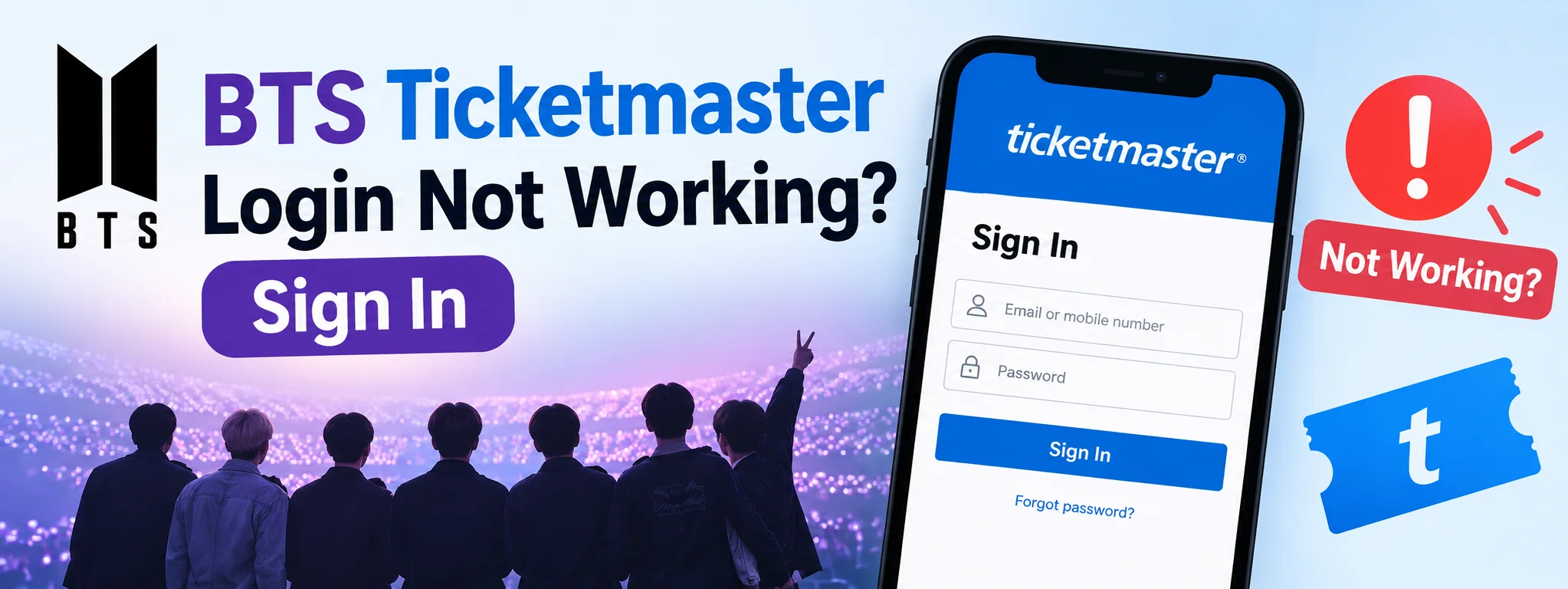
Trying to get BTS tickets on Ticketmaster but can’t get past the login screen? You’re not alone. A wrong password, an old account, a missing verification code, or even a browser problem can stop you at the worst possible moment—especially when you’re trying to join a ticket sale.
The good news is that most Ticketmaster login problems have a practical fix. This guide explains how to sign in, reset your password, find BTS tickets, deal with presale access, troubleshoot missing tickets, and contact Ticketmaster if you still can’t get into your account.
How to Log In to Ticketmaster for BTS Tickets
Before looking for tickets, make sure you can access your Ticketmaster account.
1. Open the official Ticketmaster website or app.
2. Select Sign In.
3. Enter the email address associated with your account.
4. Enter your password.
5. Complete any verification requested by Ticketmaster.
6. Once you’re signed in, search for BTS and select the event you’re interested in.
Your Ticketmaster account is also where you can manage tickets, view orders, update account information, and access information about upcoming events and presales.
For international BTS events, pay attention to the specific Ticketmaster site or ticketing partner listed for that event. Don’t assume that the rules for one country automatically apply to another.
BTS Ticketmaster Login Not Working? Try These Fixes
If Ticketmaster keeps rejecting your login, don’t immediately create another account. Start with the basics.
1. Check Your Email Address
Make sure you’re entering the email address connected to your Ticketmaster account. If you use different email addresses, you may be trying to access an account that doesn’t contain your tickets or presale information.
2. Reset Your Ticketmaster Password
If your password isn’t working, use the Forgot Password option rather than repeatedly guessing. Ticketmaster’s reset process uses your email and a verification code before you create a new password.
3. Check Your Spam or Junk Folder
If you are waiting for a password-reset email, check Spam, Junk, Deleted, Promotions, and other filtered folders.
4. Try Another Browser
If Ticketmaster isn’t loading correctly, try Chrome, Edge, Safari, or Firefox. A private/incognito window can also help identify browser-data problems.
5. Check Your Internet Connection
A weak or unstable connection can cause login pages, verification screens, or ticket queues to behave unexpectedly.
6. Update the Ticketmaster App
If the issue occurs in the mobile app, check for an update, close and reopen the app, or try the Ticketmaster website.
7. Don’t Keep Creating New Accounts
If you already have a Ticketmaster account, try recovering it instead of creating additional accounts. Multiple accounts can make it harder to locate an existing order.
Did You Previously Use Google or Apple to Sign In?
Ticketmaster currently says Sign in with Apple and Sign in with Google are no longer supported. If you previously used one of those options, sign in directly with the email associated with the account and a Ticketmaster password.
If you used Apple’s Hide My Email feature, your Ticketmaster account may be connected to an Apple private relay address rather than your normal email address.
How to Find BTS Tickets on Ticketmaster
Once you’ve successfully logged in, search for BTS on Ticketmaster, select the relevant event, and review the available ticket options.
Seeing a BTS artist page does not mean tickets are available for every location. Ticket availability changes by event, date, country, and sale status. Always check the individual event listing for the latest information.
Why Can’t I Find BTS Tickets After Logging In?
Successfully logging in doesn’t automatically mean you’ll see tickets. Possible reasons include:
• The event may be sold out.
• The event may not be available in your country.
• You’re looking at the wrong event or date.
• Tickets may be sold through a partner site.
• You may be signed into a different Ticketmaster account.
• A presale may have specific eligibility requirements.
• Tickets may not yet be available for the particular sale.
The safest approach is to open the exact event listing and follow the instructions shown there.
BTS Ticketmaster Presale: What You Need to Know
A presale gives eligible fans an opportunity to buy tickets before a general sale. However, presale access does not guarantee that tickets will still be available.
Some presales require registration, while others use an access or offer code. Requirements can vary by event and market, so read the instructions attached to the specific BTS event you’re trying to attend.
Does BTS Ticketmaster Presale Require ARMY MEMBERSHIP?
It can, depending on the particular sale. Some BTS ticketing campaigns have included ARMY MEMBERSHIP presales and Weverse registration, while requirements can differ by country and event.
Don’t assume that rules from an older BTS concert or another country apply to your event. Check the official event information for the specific show.
What If Your BTS Presale Code Isn’t Working?
If you have a code but Ticketmaster won’t accept it, make sure you are entering it exactly as provided and that it applies to the correct event.
• Is the code for the correct BTS event?
• Did you copy it correctly?
• Are you using the correct Ticketmaster account?
• Has the presale already started?
• Has the code expired?
• Have you reached the event’s ticket limit?
• Is the presale already sold out?
Logged In but Your BTS Tickets Aren’t Showing?
If you can access your account but can’t find tickets you’ve already purchased, first confirm that you’re using the same email and account used for the purchase.
Check your My Tickets section and order information. If you still can’t access tickets connected to your account, contact Ticketmaster Fan Support. Don’t purchase another ticket simply because an existing order isn’t immediately visible.
Can You Access Ticketmaster Without the App?
Yes. You can use the Ticketmaster website to sign in and manage your account. The app can be useful for mobile ticket access, but not every login problem requires the app.
If the app isn’t working, try signing in through the website. For a particular BTS event, follow the ticket-delivery instructions shown on its official event page.
Ticketmaster Login Problems on Mobile
On iPhone
• Update the Ticketmaster app
• Restart the app
• Check your internet connection
• Restart your phone
• Try the Ticketmaster website in Safari
On Android
• Update the app
• Close and reopen it
• Check your connection
• Clear the app cache
• Restart your phone
• Try Ticketmaster in Chrome
For high-demand ticket sales, avoid repeatedly switching devices and browsers. Ticketmaster recommends using one device and one browser when joining a queue.
What to Do Before a BTS Ticket Sale
• Sign in to your Ticketmaster account.
• Reset your password if necessary.
• Confirm your email and phone number.
• Update your billing information.
• Check the event date and time zone.
• Read the presale requirements.
• Have your payment method ready.
• Use a reliable internet connection.
• Follow the official event link.
• Join the waiting room at the recommended time.
Ticketmaster recommends joining a waiting room around 15 minutes before a sale begins when an event uses one. Once you’re in a queue, avoid refreshing the page unnecessarily.
When Should You Contact Ticketmaster Support?
If normal troubleshooting doesn’t solve the problem, contacting Ticketmaster is the next step.
• You can’t access an account containing tickets.
• Password recovery isn’t working.
• Purchased tickets aren’t appearing.
• You have an account verification problem.
• You need help with an existing order.
Use Ticketmaster’s official Help and Contact pages rather than third-party websites or social-media accounts claiming to provide Ticketmaster support.
FAQs
Why is my BTS Ticketmaster login not working?
The issue could be an incorrect email, password, verification problem, browser issue, or an old Apple/Google sign-in method. Start by checking your account email and resetting your password if necessary.
How do I reset my Ticketmaster password?
Use the Ticketmaster sign-in page, select Forgot Password, complete the verification process, and create a new password.
Why haven’t I received my Ticketmaster password reset email?
Check spam, junk, deleted, and filtered folders. Also make sure you’re using the email connected to your Ticketmaster account.
Can I use Google or Apple to log in to Ticketmaster?
Ticketmaster currently says its Apple and Google sign-in options are no longer supported. Use the email associated with the account and a Ticketmaster password.
Why can’t I find BTS tickets on Ticketmaster?
The event may be sold out, unavailable in your market, listed through a partner, or not currently on sale. Check the individual BTS event listing.
Do I need a Ticketmaster account to buy BTS tickets?
For many Ticketmaster events, an account is important for signing in, purchasing tickets, and managing orders. Specific BTS events may have additional requirements.
Final Thoughts
A BTS Ticketmaster login problem doesn’t always mean there’s something wrong with your tickets. In many cases, the issue comes down to the wrong account email, an outdated password, verification, or a browser or app problem.
The best approach is to fix your account access before the ticket sale begins. Once you’re signed in, check the exact BTS event you’re interested in, read its presale requirements carefully, and use the official ticketing link provided for that market.
Most importantly, don’t assume that BTS ticket rules are identical everywhere. Ticket availability, presales, membership requirements, and ticketing partners can change from one country or event to another. Checking the official Ticketmaster event listing before making a purchase is the safest way to avoid confusion.